

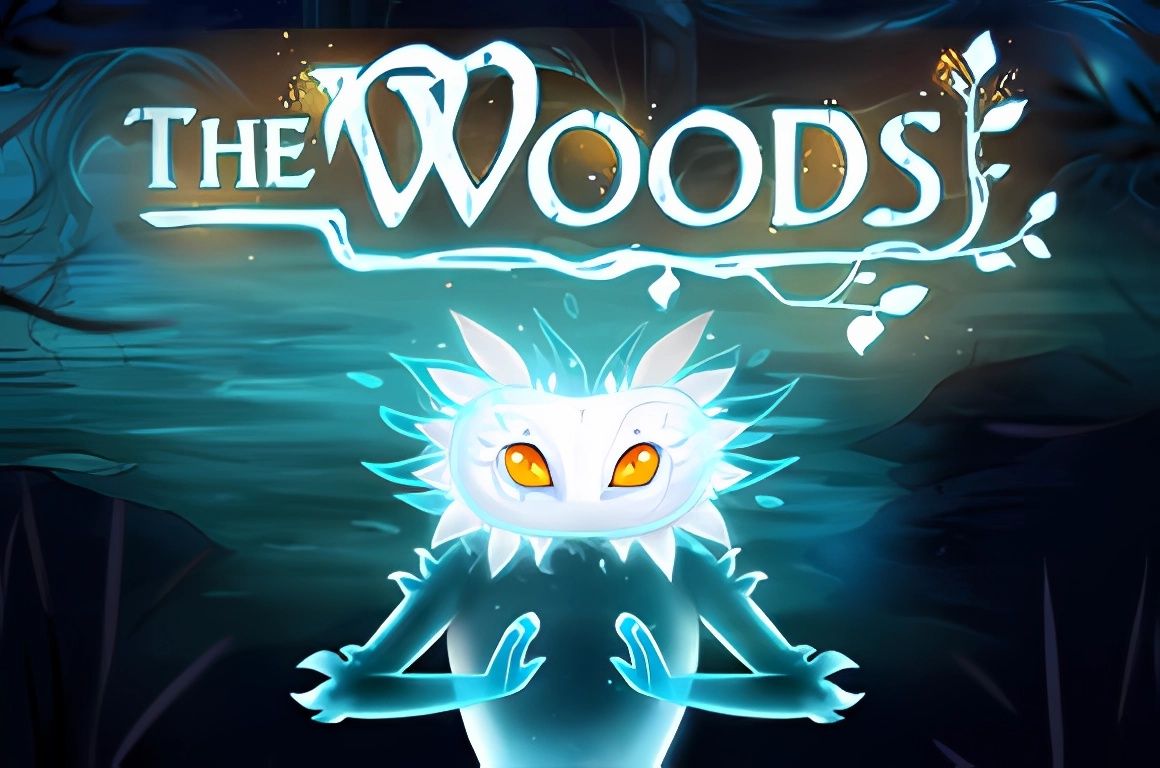
Play The Woods slot & hundreds of other online slot games at Dream Jackpot
*Any values mentioned are subject to change.
Welcome to The Woods!
Step into the enchanted forest of The Woods and discover hidden riches. With every spin, the reels come alive with mystical creatures and glittering treasures.
1. Game Info
1.1 Overview
Reels: 5
Lines: 10
Feature: Ghost substitutes for all symbols and starts the Ghost Respin feature.
The RTP is shown in-game.
Min Bet: £0.10
Max Bet: £5.00
The probability of the maximum potential win per £1 bet is 1 : 3,222,126
The specified maximum potential win probability results from the sum of the highest possible symbol values on all played paylines when the reels stop, taking into account other additional win opportunities through other aspects of the game (such as free spins, risk games, additional games).
Pay lines are pay ways in this game.
1.2 Symbols and Paylines
This game has 5 reels, 10 paylines and 7 regular symbols that win if several of them line up in a sequence on one of the paylines.
Ghost substitutes for all symbols!
1.3 Feature: Ghost Respins
Ghost is WILD and starts the Ghost Respin feature.
- When a Ghost appears, it expands onto the entire reel.
- A possible win is evaluated.
- Afterwards, a Respin is performed on all other reels.
- If another Ghost appears, another Respin is executed.
- This way, up to 3 consecutive Respins are possible.
- Multiple Ghosts appearing at the same time grant 1 Respin, not multiple Respins.
Ghost only appears on reels 2, 3 and 4.
2. How to Play
You win if there is a sequence of identical symbols on a payline.
Paylines are evaluated from left to right and from right to left. 5-of-a-kind combinations hence count twice!
If there are multiple ways to interpret the result on a payline, e.g. due to WILD symbols, you are given the highest possible win combination on that payline. Wins on different paylines are added.
All wins and their respective win combinations can be found in the paytable.
2.1 Desktop Version
The game console displays the following values and control elements:
[BALANCE]: Your current balance in your currency.
If you have set a limited balance, click on your balance to see your total balance.
- [TOTAL WIN]: The total amount won in the last spin, in your currency.
- [LINES]: The number of active paylines.
If it’s possible to change the number of active paylines in a game, you adjust the number by clicking either [+] or [-].
The game uses a bet-per-line system, so doubling the number of active paylines will also double your bet. - [TOTAL BET]: Your currently selected bet.
Clicking the [SPIN] button will subtract this amount from your balance.
Click on either [+] or [-] to adjust your bet. - [MAX BET]: Clicking [MAX BET] will immediately set your bet to the maximum value.
- [AUTOSTART]: Clicking this button will open the AutoStart menu. For more information see the section AutoStart Mode.
- [SPIN]: Click the [SPIN] button to place your bet and spin the reels once.
2.2 Mobile Version
The game console displays the following values and control elements:
[BALANCE]: Your current balance in your currency.
If you have set a limited balance, tap and hold your balance to see your total balance.
- [TOTAL WIN]: The total amount won in the last spin, in your currency.
- [LINES]: The number of active paylines.
If it’s possible to change the number of active paylines in a game, tap the element to open the settings.
The game uses a bet-per-line system, so doubling the number of active paylines will also double your bet. - [TOTAL BET]: Your currently selected bet.
Tapping the [SPIN] button will subtract this amount from your balance.
Tap the element to open the settings and adjust your bet. - [AUTOSTART]: Tap the element to open the AutoStart menu. For more information see the section AutoStart Mode.
- [SPIN]: Tap the [SPIN] button to place your bet and spin the reels once.
2.3 Win Evaluation
- The reels stop one after another from left to right.
- After the reels have stopped, your wins are calculated and added up.
- To calculate a win on a single payline you count how many identical symbols are lined up on the payline, starting from the first reel. If the lines pay from left to right, start counting on the leftmost reel.
- If there are several identical symbols in a row, you can look up your win in the paytable. Only the highest combination per line is paid.
- There may be several ways to interpret the result on a payline if WILD symbols are involved. In this case, only the highest possible combination will be paid.
- Scatter symbols are not evaluated on paylines. Only their total number on the reels is relevant.
If your game is interrupted during a winning spin or a win evaluation, this spin will be recovered after restarting the game. Non-winning spins are not recovered.
3. Game Options
3.1 Desktop Version
Clicking the [+] button in the top right corner of the screen opens the Top Row Bar. It displays the following buttons:
- Paytable: Click the [i] button to open the paytable to get information on wins, paylines and features of the game.
- Settings: Click the button with the gear symbol to enable or disable options such as “Use space to spin”, Quick Spin and Risk Games (where available).
- Help Page: Click the [?] button for information on how to play and for the rules of the game.
- Sound: Turn the sound on or off.
- Fullscreen: Play the game in fullscreen mode.
- Cashier: Go to the cashier of the website.
- Home: Quit the game.
3.2 Mobile Version
If applicable, clicking the [+] button opens the Top Row Bar. It displays the following buttons:
- Home: Quit the game.
- Cashier: Go to the cashier of the website.
- Help Page: Click the [?] button for information on how to play and for the rules of the game.
- Settings: Click the button with the gear symbol to change the Total Bet, Sound, Risk Games (where available) and Quick Spin.
- Paytable: Click the [i] button to open the paytable to get information on wins, paylines and features of the game.
Notice Regarding The Woods Free Play & Demo Mode
Searching for a The Woods free play option or The Woods demo version is a common way to explore a slot without having to make a deposit. While no demo versions are provided on this site, this page gives you an outline of the essentials.
We highlight the core elements that define The Woods , from its setup to the statistics that shape the gameplay experience.
This approach offers a similar benefit to free play, helping you build familiarity with the game without having to deposit real funds.
*All values (Bet Levels, Maximum Wins etc.) mentioned in relation to this slot game are subject to change at any time. Game features mentioned may not be available in some jurisdictions.
